
Individuals
Daily spending that never reaches the spreadsheet
Capture purchases as they happen, then keep a readable history without reconstructing the week from memory.
Receipt in. Clean record out.
Snap a receipt or record a quick voice note. SnapTally turns it into a clean expense record you can review and save.
A receipt becomes a record
Example scan
Extraction result
Ready to review
Total
$48.20
You confirm every field before saving
Capture
Photograph the receipt, or record a voice note, while it is still in your hand.
Check
Review the merchant, total, date, category, and payment method.
Keep
Save a clean expense record you can understand later.
The trust step
SnapTally extracts the useful details, then keeps them in one clear review screen. Correct anything that needs attention before the expense joins your records.
The useful fields stay together
Merchant, date, amount, category, payment method, and notes remain easy to scan.
Saved only after your review
A clear confirmation step keeps the convenience without hiding the decision.
New: voice notes
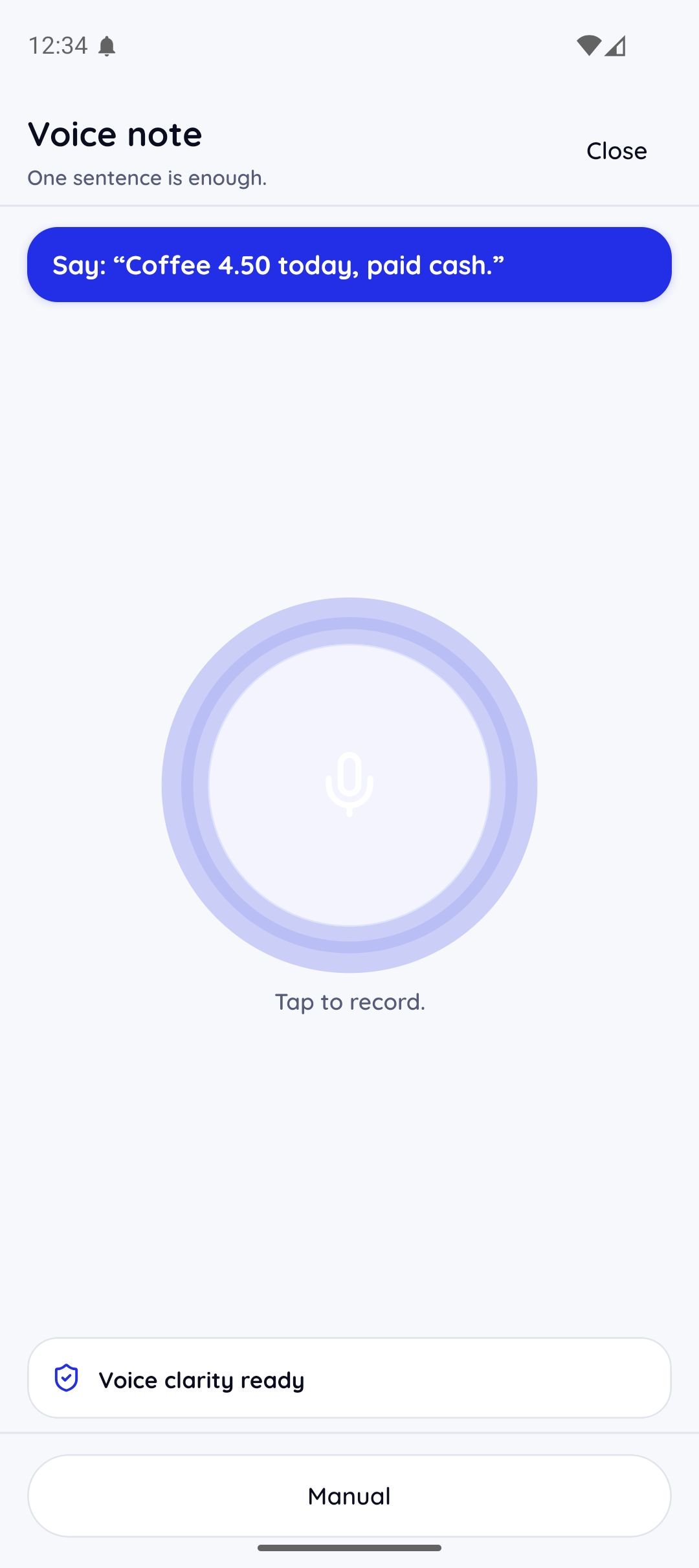
When there is nothing to photograph, record a quick voice note. Speak the amount, the place, and how you paid. SnapTally turns your words into the same expense fields.
Capture while it is fresh
One tap starts the recording. Speak naturally. Amount, place, and payment method is enough.
Your words become the fields
The transcript fills the same merchant, amount, category, and payment fields a receipt scan produces.
The review step still applies
A voice note is saved only after you check the extracted fields, exactly like a scanned receipt.
After the receipt
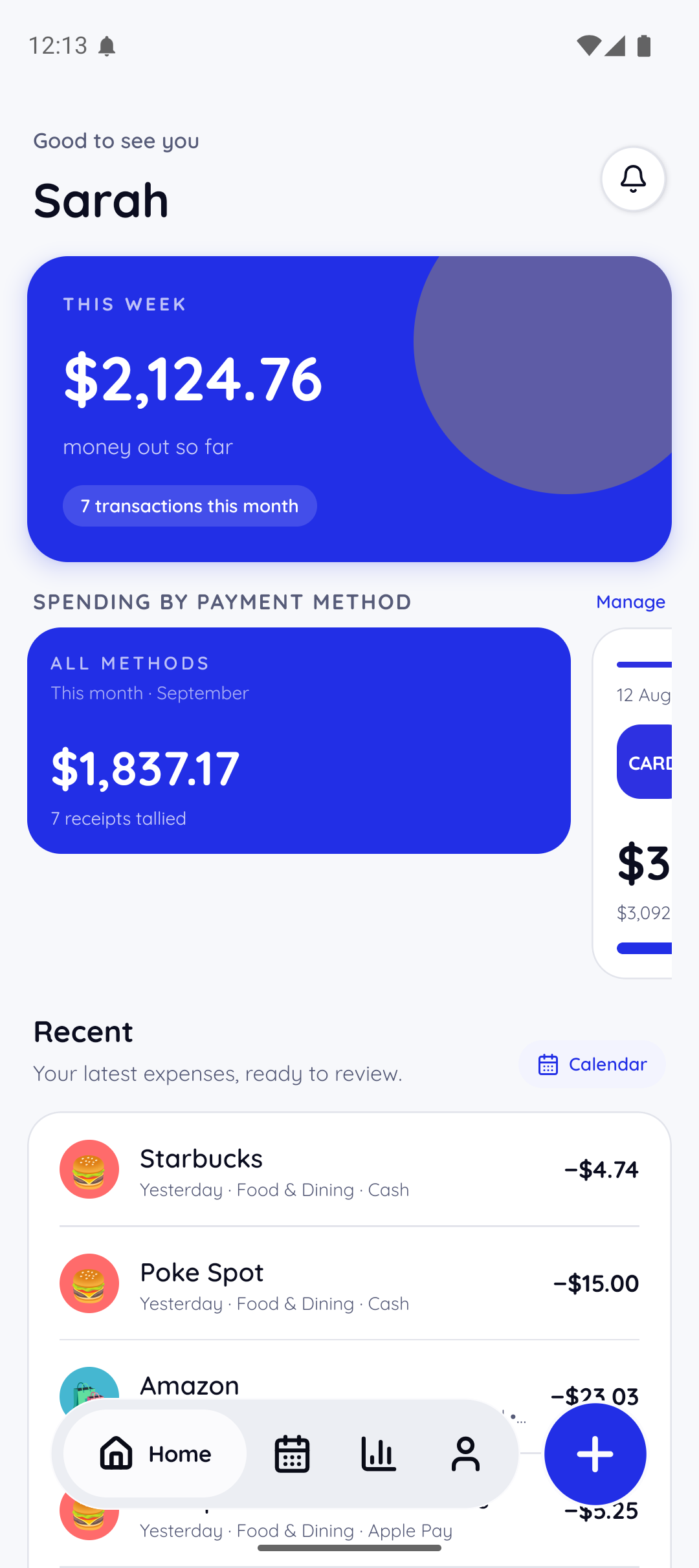
Recent expenses, payment methods, and weekly totals stay connected to the receipt that created them. Enough context to act, without turning your day into bookkeeping.
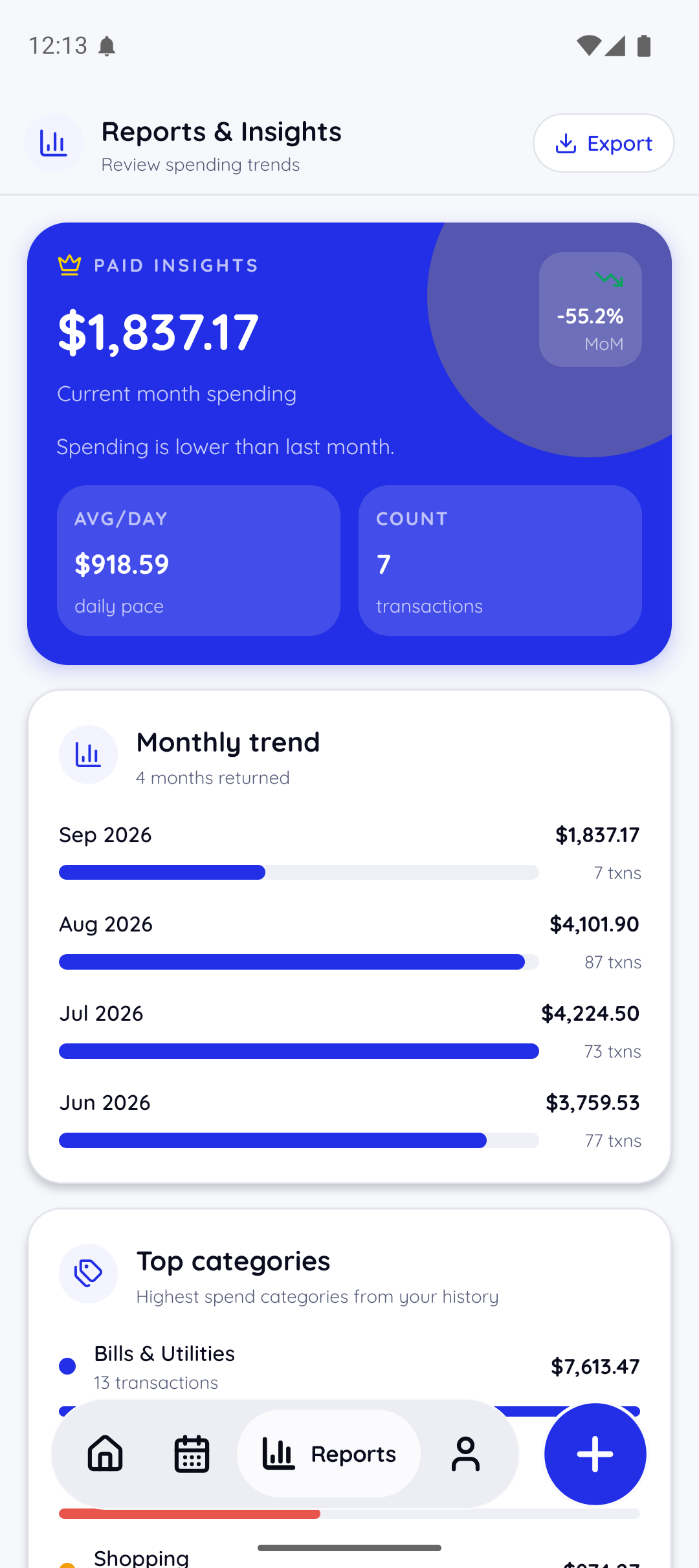
Real app screens
These new screenshots show the path through SnapTally: first launch, sign in, expense review, voice notes, calendar, reports, dashboard, and account controls.
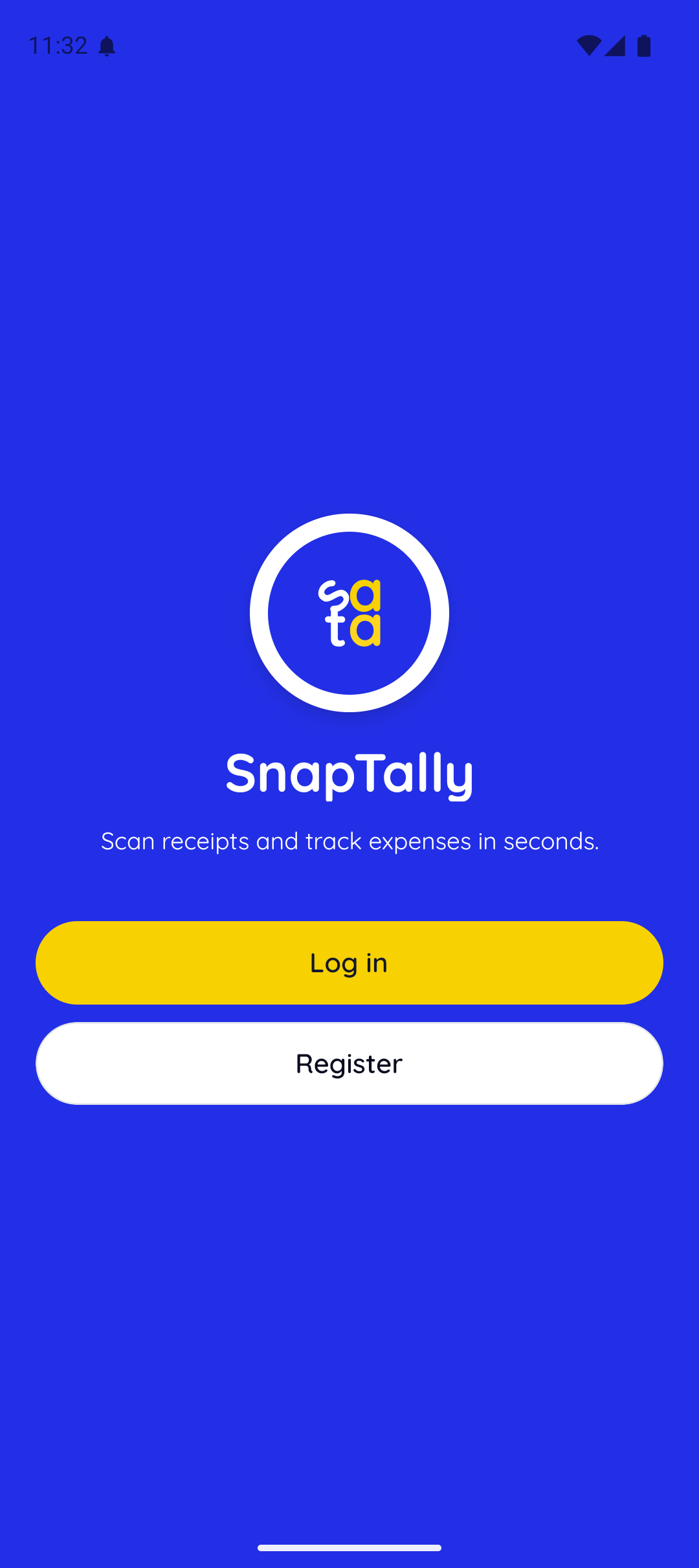
Start
First launch keeps log in and registration clear.
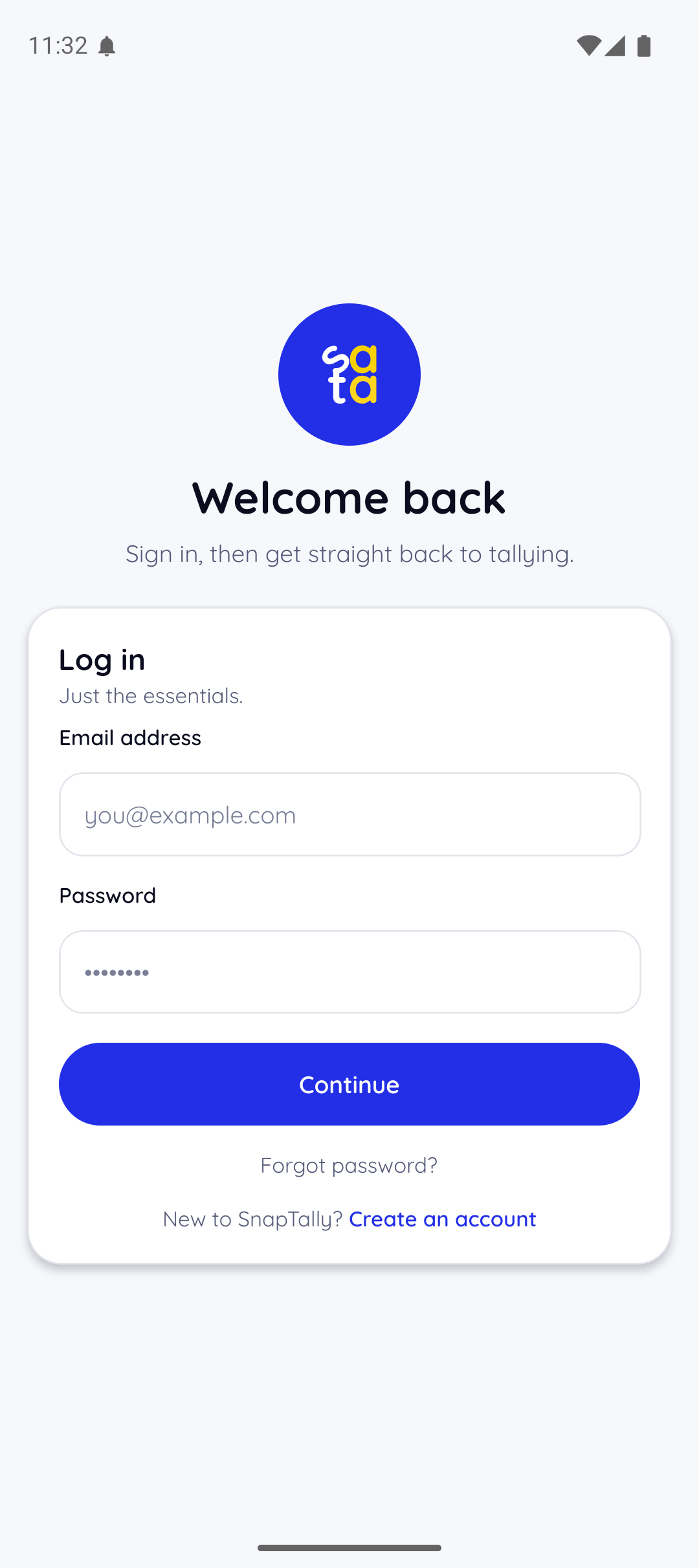
Log in
Returning users go straight back to tallying.
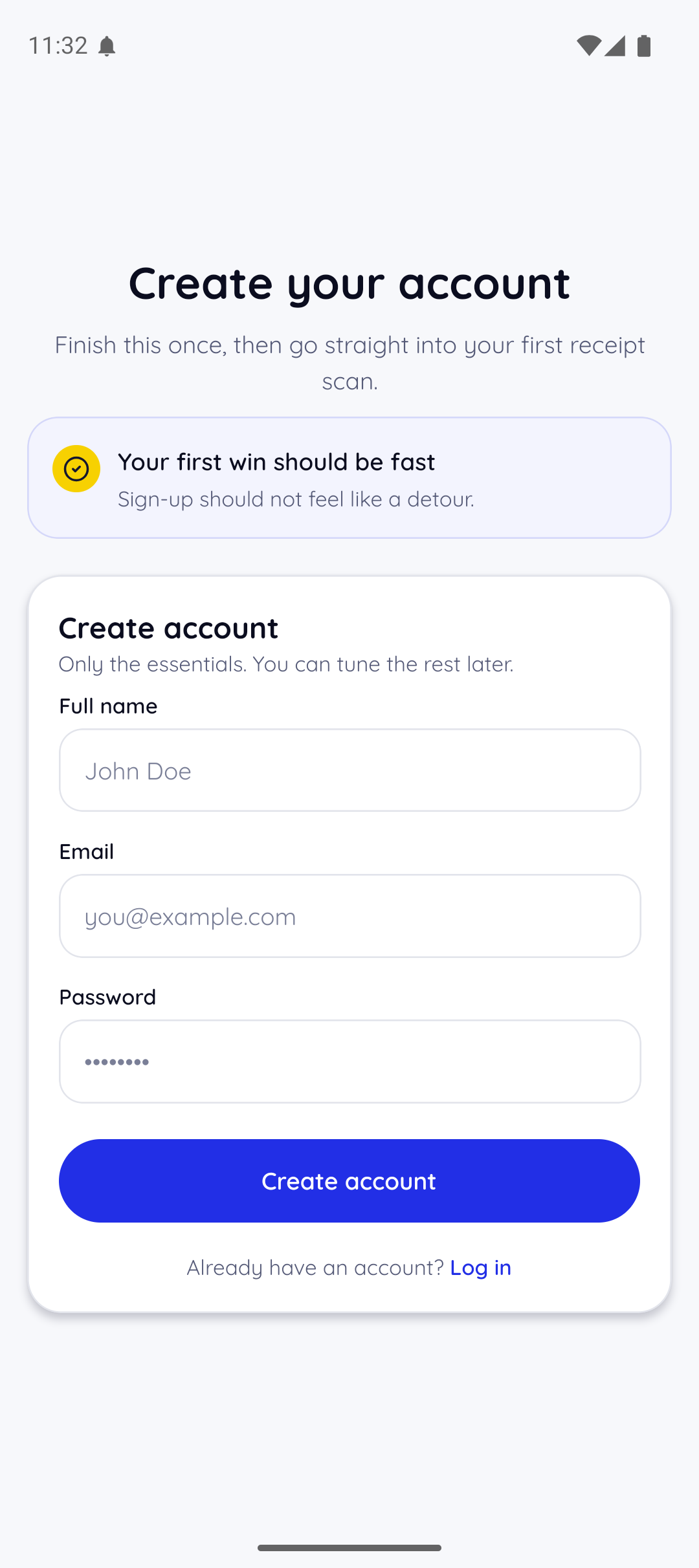
Create account
New users can finish setup before the first receipt.
Dashboard
Weekly totals and recent expenses stay close together.
Expense detail
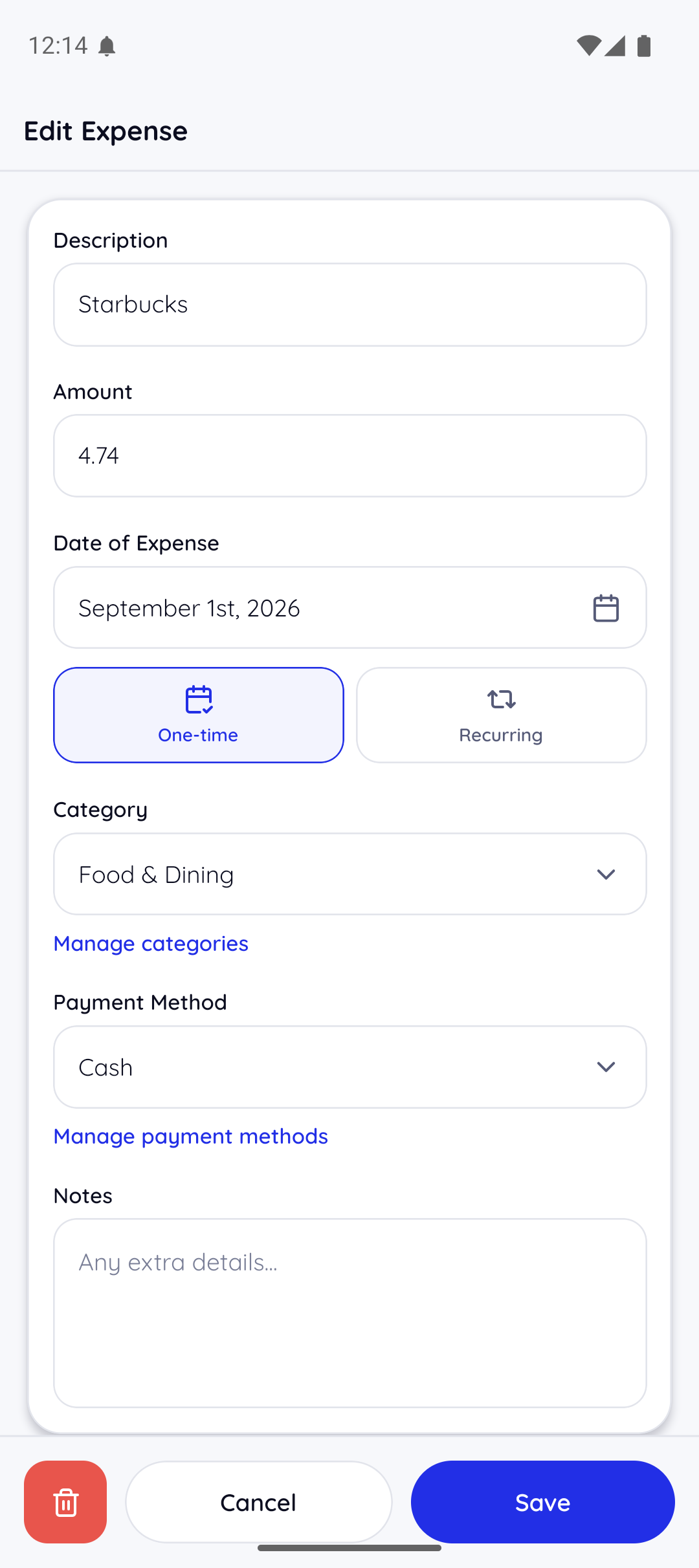
Every saved record can still be checked and edited.
Voice note
Spoken expenses land in the same review routine.
Calendar
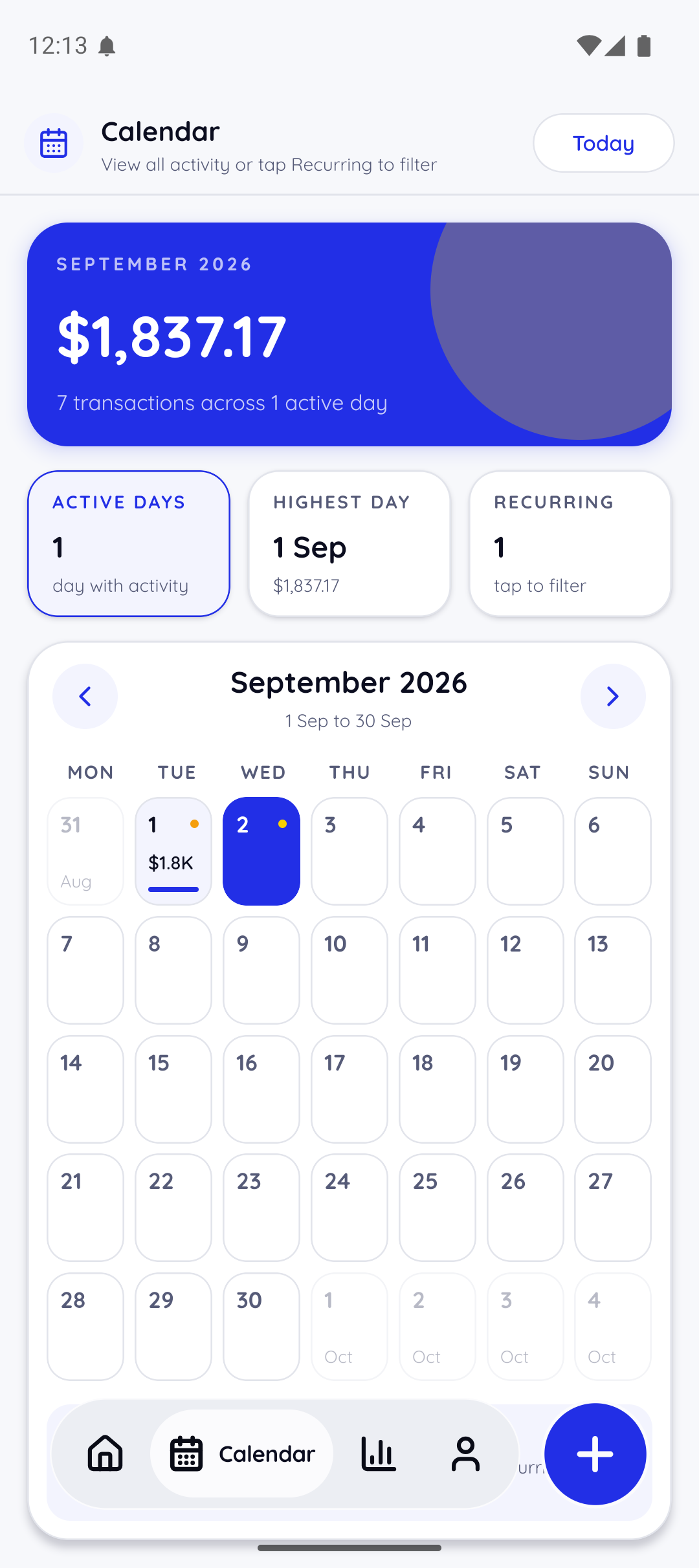
Active days make recurring spending easier to spot.
Reports
Monthly trends and top categories turn receipts into context.
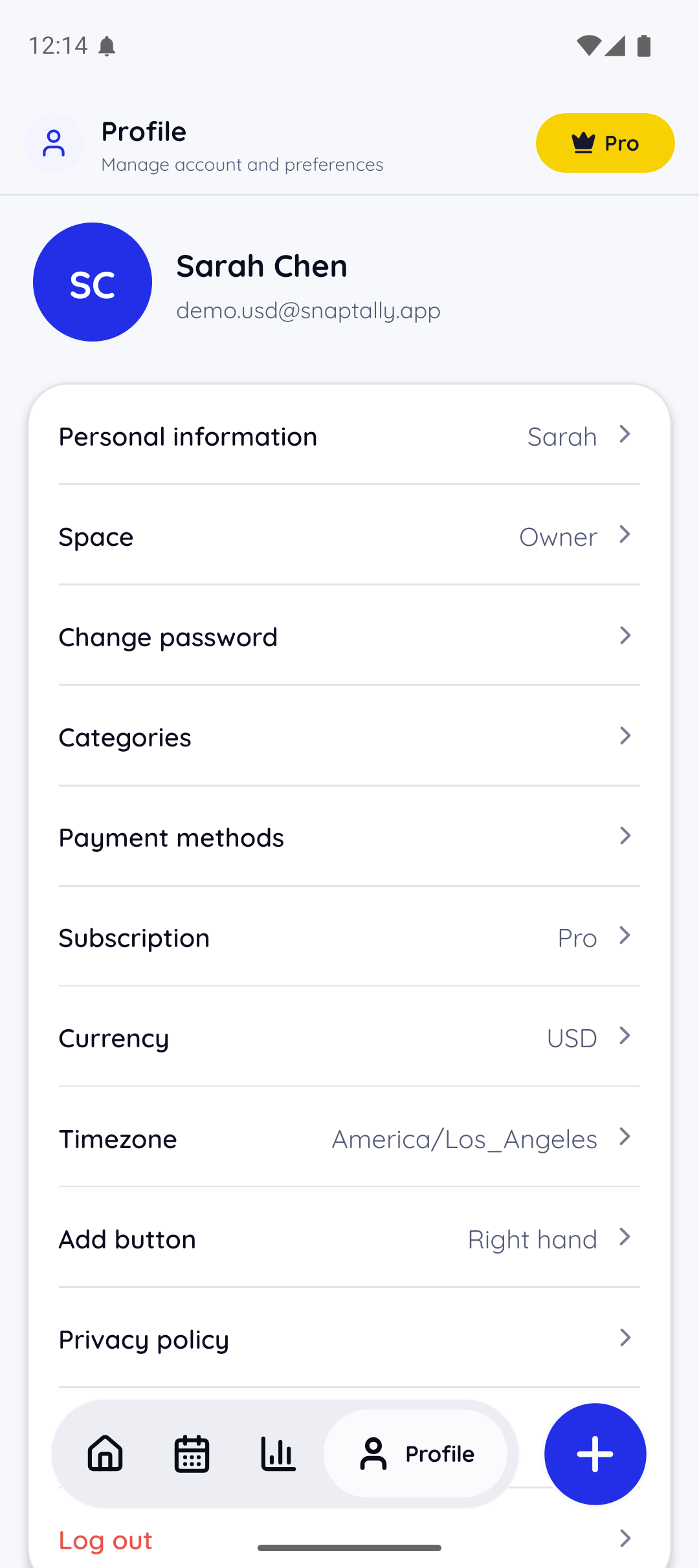
Account
Profile, subscription, currency, and timezone stay visible.
Built for real expense moments
Individuals
Capture purchases as they happen, then keep a readable history without reconstructing the week from memory.
Households
See which payment method carried each purchase and keep everyday household spending easier to review together.
Freelancers
Keep client purchases, reimbursable costs, and possible write-offs attached to clear details instead of a photo backlog.
Download
Get the app first.
Android is ready on Google Play. iOS follows soon.
Start from the phone that captures the receipt, then decide if the routine works.
iOS
SoonApp Store
The iPhone app follows after the Android launch.
No. Start on the free plan, 10 receipt scans a month, without entering any payment information.
Yes. SnapTally keeps the review step between scanning the receipt and saving the expense, so you stay in control of the final record.
Yes. Record a voice note with the amount, where you spent it, and how you paid. SnapTally transcribes it into the same review screen, and the expense is saved only after you confirm the fields.
You can keep viewing your existing data. Upgrade to Pro through Google Play for unlimited scanning, or wait until next month when your free scans reset.
Yes. You can cancel the subscription from your account settings without a long-term contract or cancellation fee.